How to See Google Rankings From Any City (UULE, Explained)
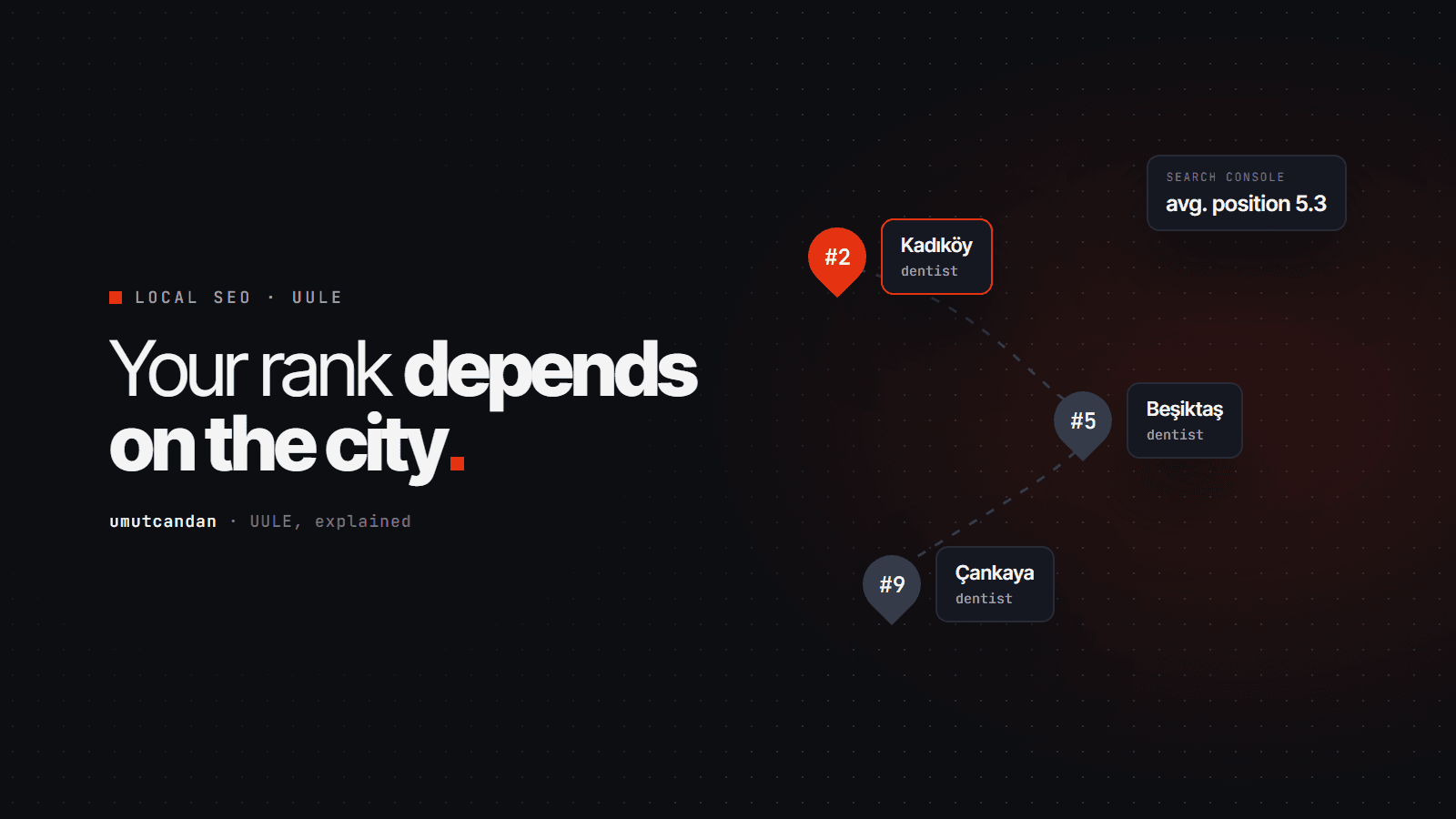
You search for your client's main keyword from the office and they are second. The client calls from across town: they can't find themselves on page one. Both of you are right. For anything with local intent, Google builds the results page around where the searcher is, so "where do we rank?" has a different answer in every district.
This post covers why that happens, the usual workarounds and where they fall short, and the URL parameter that lets you see a local results page from anywhere. At the end there is the free Chrome extension I built for it, and how I built it with AI.
Why rankings change from city to city
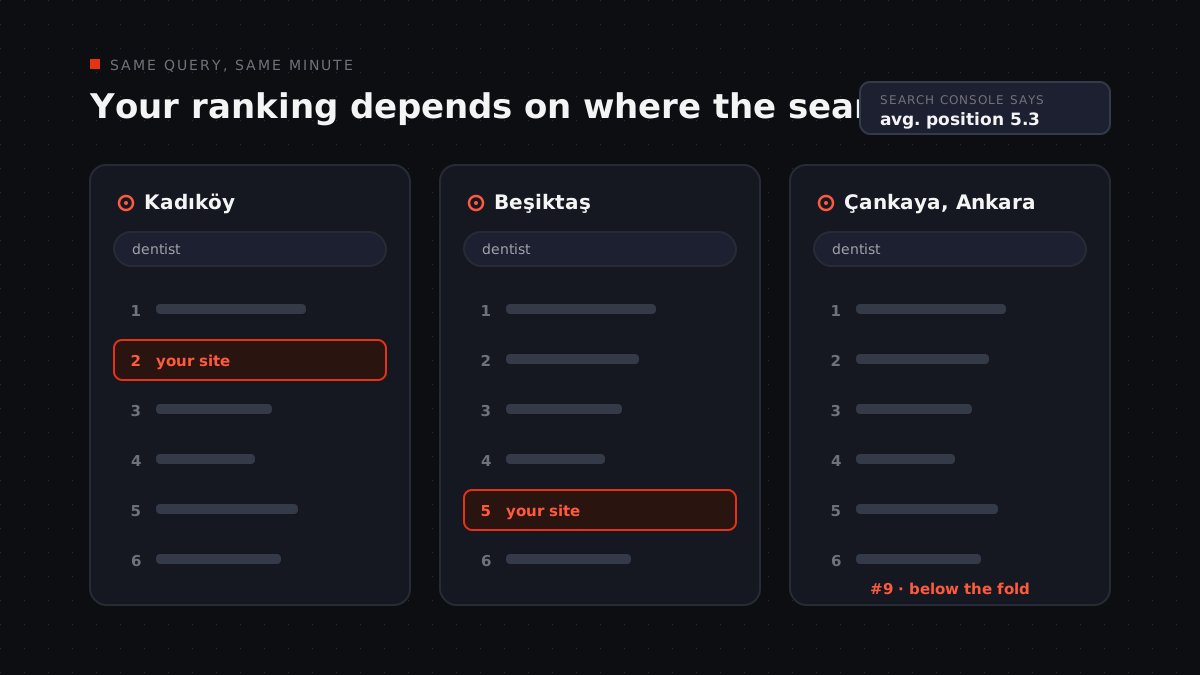
Queries like "dentist", "pizza near me" or "car repair" have local intent, and for those Google uses the searcher's location to pick and order results. The map pack changes first, but the organic results below it move too: a business two kilometres away can outrank a stronger site on the other side of the city.
Search Console doesn't show this. It reports one average position across every place your page appeared. A page that is second in one district and ninth in another shows up as a calm "5.3", and the spread you actually need to fix is invisible.
What people usually try
near= parameter no longer work.How UULE works
Google reads a location from a URL parameter called uule. Add it to a search URL and the results page is built as if the searcher were in that place.
A UULE value has three parts:
w+CAIQICI, the same for every location.X, the 24th character of the base64 alphabet.The location name is not free text. It has to be the canonical name from Google's geotargets list, the same list Google Ads uses for location targeting, for example Kadikoy,Istanbul,Turkey or Austin,Texas,United States. A misspelled or made-up name gives you a UULE that Google quietly ignores.
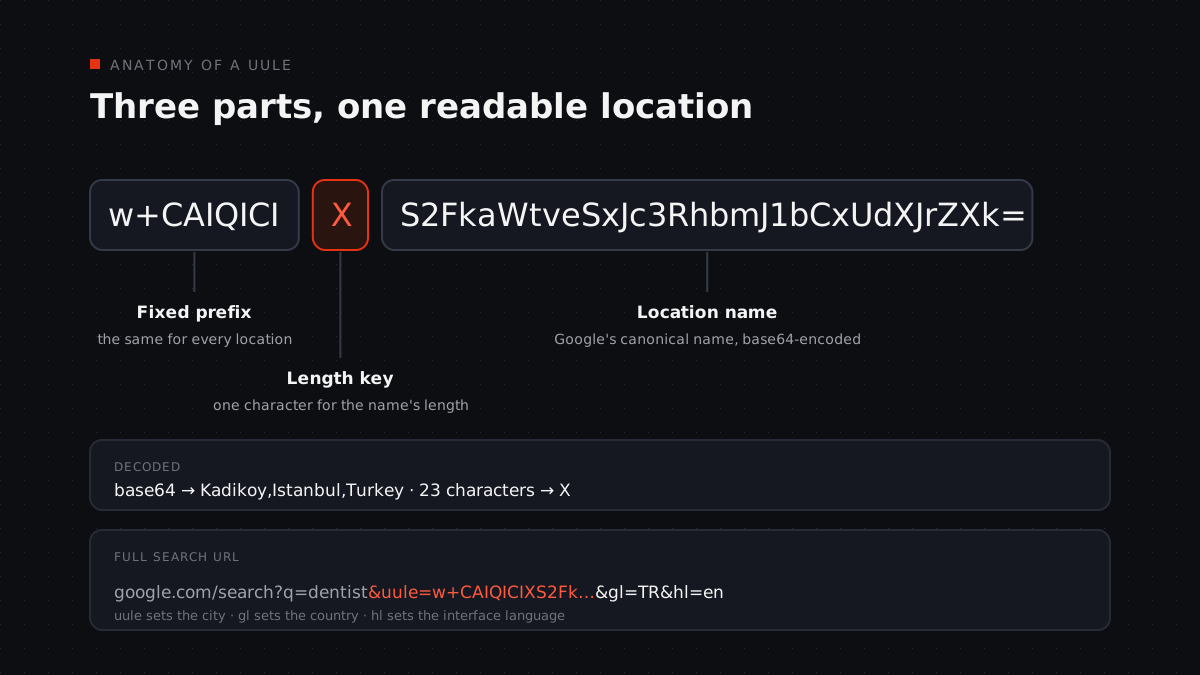
Two other parameters help. gl sets the country (gl=TR) and hl sets the interface language (hl=en). Put together, a full URL looks like google.com/search?q=dentist&uule=w+CAIQICIX…&gl=TR&hl=en.
One caveat: this is the closest you can get without being there, not a guarantee. Google can still personalise results, and what you see is a very good approximation of a local searcher's page, not a sworn copy of it.
Doing it in one click
Building those URLs by hand gets old fast: look up the canonical name, count the characters, base64-encode, paste. So I built Local SERP Checker, a free Chrome extension that does it for you.
Start typing a city, district or country and it suggests canonical names from Google's geotargets list, so the UULE is always valid.
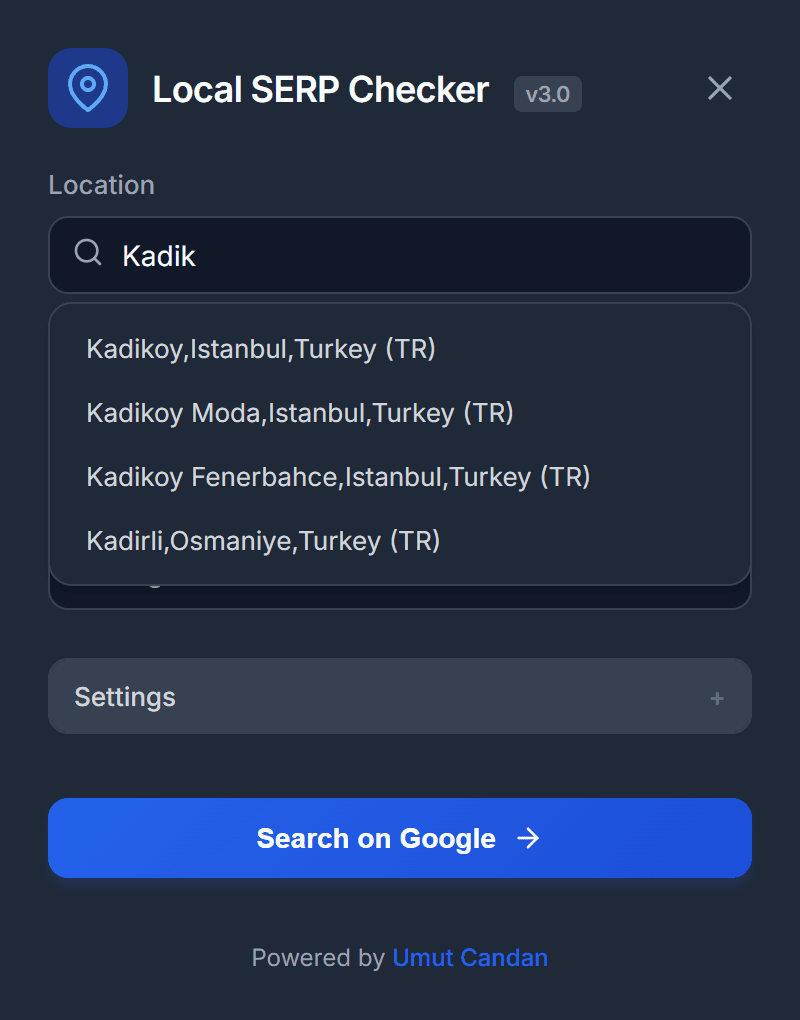
Pick a location, type your keyword, optionally choose the Google interface language, and it opens the local results page with uule, gl and hl already set. Your recent locations stay one click away, and on a Google results page a location pin in the search box lets you switch city without opening the popup.
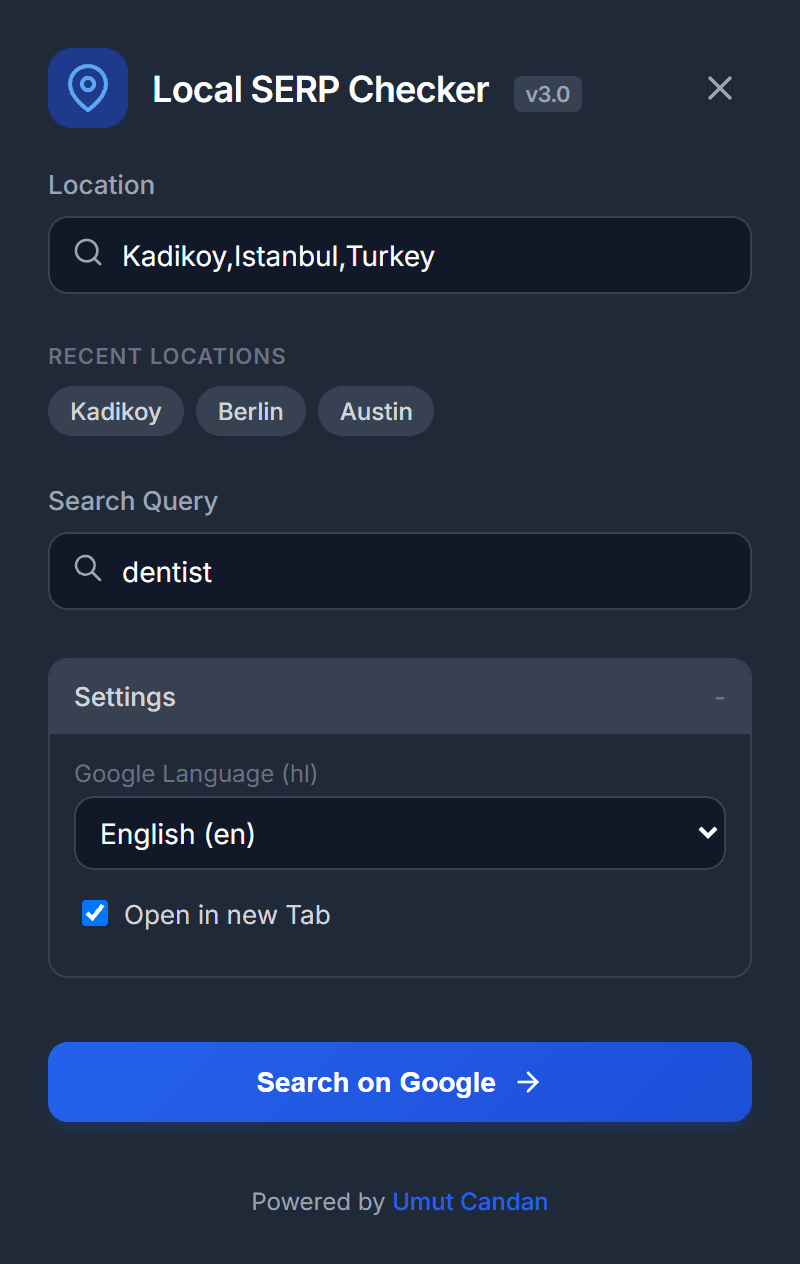
Everything about the extension, including the install link, is on the Local SERP Checker project page.
How I built it with AI (2023)
When I started, I had never built a Chrome extension. I described the problem to ChatGPT and we worked through it step by step: the manifest file Chrome needs, then the HTML and JavaScript for the popup, then a long loop of testing, pasting errors back and fixing them.
The first version simply opened a search for a keyword in a chosen location. Later versions added a cleaner interface, location suggestions, recent locations, the language setting and the location pin on Google's own results page.
What I took away from it: the AI wrote most of the code, but the useful parts of the work were still mine. I knew what an SEO needs to check, I decided how the UULE should be built and validated, and I tested every version against real searches. That split, where I own the problem and the quality and the assistant writes alongside me, is how I still build tools today.
Try it on your own keywords
Pick your three most important local keywords and check them from three different districts. If the positions are close, great. If they swing the way they did in the illustration above, you have found the gap that average positions hide.